I trusted my local file over the live one and paid for it. The disk versus live trap is easy to describe and easy to walk straight into: you keep a copy of a post on your machine, you edit that copy, and you push it back — overwriting everything that changed on the live site since you last exported. On a Korea-travel affiliate site I run, one careless batch did exactly that, replacing hand edits and a plugin’s structured data with a stale snapshot. Nothing errored. The posts just quietly lost work I could not immediately get back.
What the disk versus live gap cost me
The batch itself looked reasonable. I had a folder of exported posts, I made a formatting change to all of them locally, and I pushed each file’s full content back to its post. What I forgot was that those exports were weeks old. In the meantime, an editor pass had fixed typos on a handful of them, and a plugin had injected review markup into a few more. My push did not merge any of that. It replaced the entire body, so every change made after my export simply vanished under the older version.
The damage was invisible at a glance, which is what made it nasty. The pages still rendered, still looked like articles, still had roughly the right words. Only by comparing against an older backup did I see the fixes that had disappeared and the structured data that was suddenly gone. That is the shape of this failure: it does not crash, it does not warn, it just silently rolls a post back in time. And because I ran it as a batch, it did that to many posts at once before I noticed even one.
Why your local file is not the live post
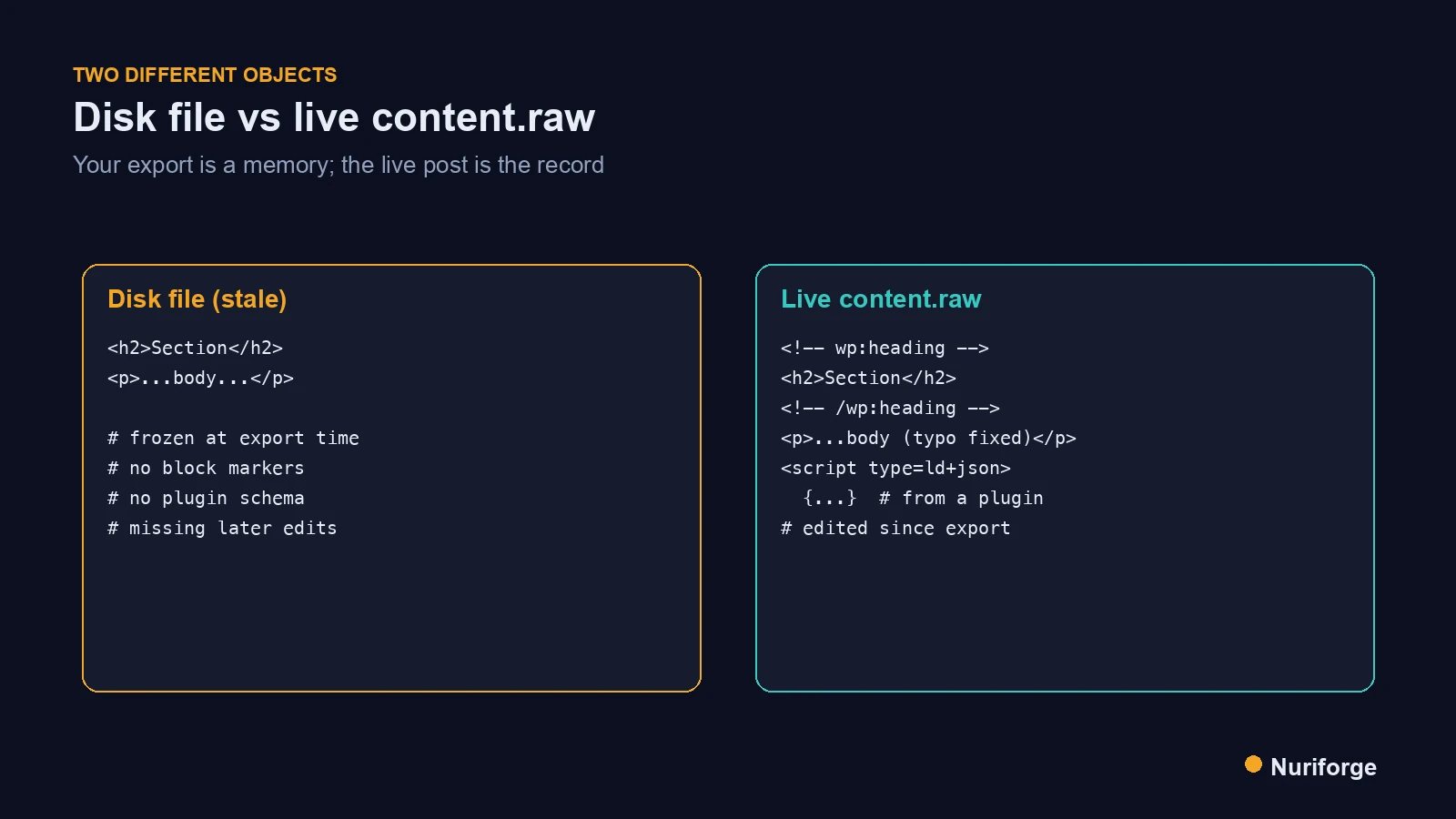
Here is the mental model I lacked at the time. The live database is the system of record; a file on my disk is only a memory of what the post looked like the moment I exported it. Those two things drift apart constantly, because a live post is edited by more than just me — by the block editor, by other people, by plugins acting on save or on a schedule. Every one of those touches the stored content without ever touching my local copy.
So the file is not a lesser version of the live post; it is a different object that happens to have started as a copy. Treating it as interchangeable with production is the root error. Once I accepted that the live content is the only authoritative version, the fix followed naturally: read the current stored content first, change only what needs changing, and write that back. The disk copy becomes a working scratch space, never the thing I push.
Gutenberg, hand edits, and schema you did not write
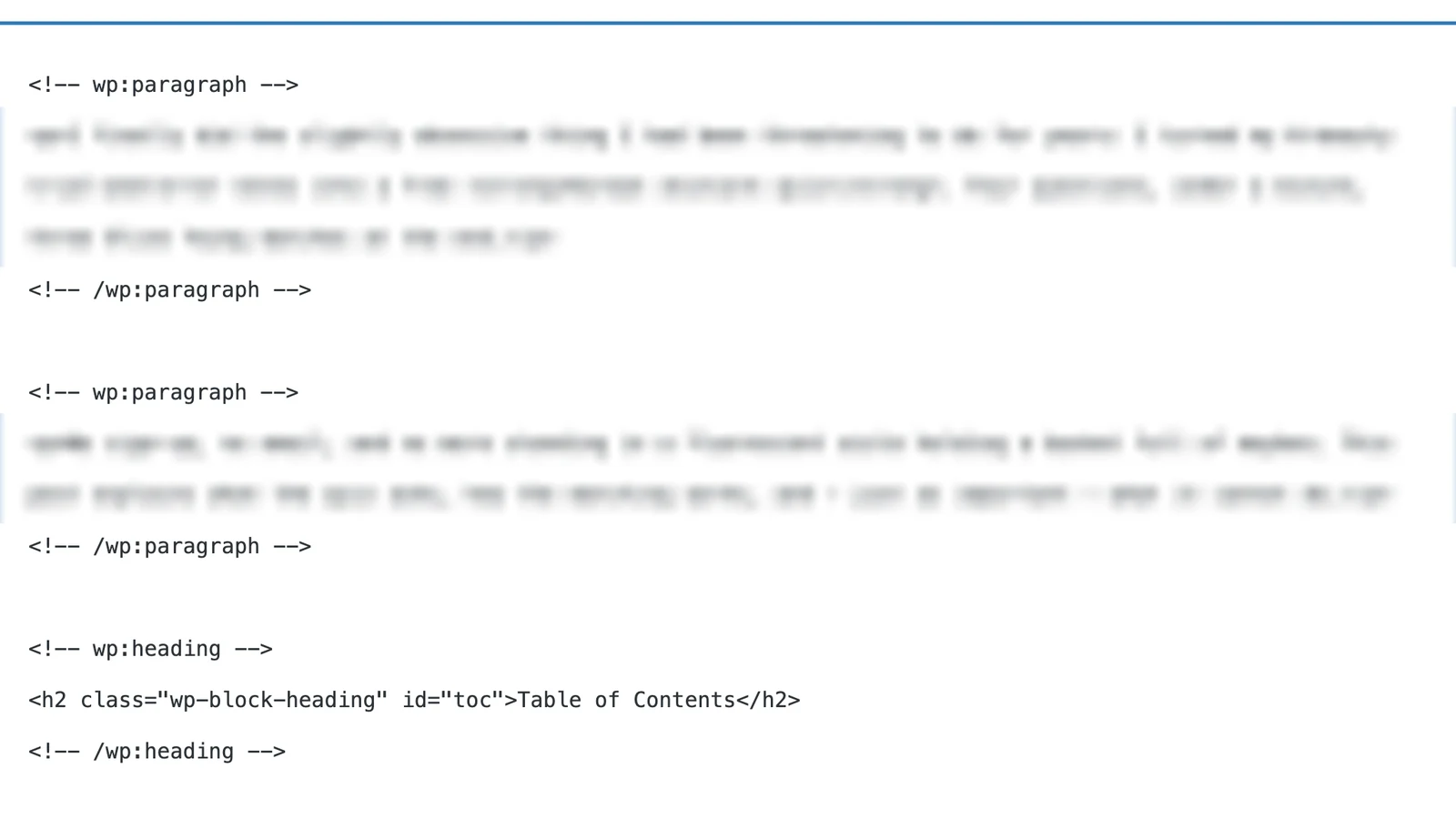
Three specific things live in a post’s stored content that your old export usually misses. The first is Gutenberg’s block markup: the editor wraps content in HTML comment delimiters like block boundaries, and those matter to how the post renders and re-opens in the editor. Strip or mangle them with a naive push and you can break the editing experience even if the front end looks fine. The block editor documentation describes how that markup is structured.
Doing this across many posts at once has its own failure modes, which I cover in Bulk Editing WordPress Without Breaking Gutenberg or 301s.
The second is human edits made after your export — the typo fixes, the added sentence, the corrected link. The third is markup you never authored at all: schema, tracking, or shortcodes a plugin added on save. All three are in the live content.raw and none of them are in your file. When I pushed the whole file, I was not just overwriting my own words; I was discarding everyone and everything else that had legitimately edited that post. This is one of the reasons a human stays in the loop across the content pipeline I run: a machine will happily overwrite work it cannot see.
The rule: fetch live, patch, never push the whole file
The rule I follow now is short. Never push a whole local file to a live post. Instead, fetch the current stored content with the edit context, make a surgical change to that string in memory, and write back only what changed. Because the edit starts from the live version, it cannot drop anything that happened after my last export — those edits are already in the string I am modifying. The global parameters documentation covers the edit context that returns the raw stored markup.
The other half of the rule is a backup taken at fetch time. Before I change a single byte, I write the freshly fetched content to a timestamped file, so if my patch is wrong I can restore the exact state that existed one second before I touched it. That backup is the live version, not my stale export, which is the whole point — recovery has to return the post to reality, not to my outdated idea of it.
Making the gap impossible to hit
Discipline that depends on remembering is discipline you will skip eventually, so I moved the rule into the tooling. My edit scripts have no code path that reads a local file and pushes it as a post body. The only way to write is through the fetch-patch-write flow, which means the stale-file mistake is not something I have to avoid — it is something the script cannot do. Removing the dangerous option is more reliable than resolving to be careful with it.
I also added a cheap invariant check before any write: the new content must still parse its schema blocks and keep the same count of headings and tables as the version I fetched. If a patch accidentally drops a block, the numbers change and the write is refused. None of this is clever. It is just the recognition that a batch operation removes the natural moment where a human would have noticed something wrong, so the noticing has to be built back in as code. The check runs on every post, whether I am changing one or fifty, because the one I stop checking is the one that will bite.
| Your disk file assumes | The live content.raw actually has | |
|---|---|---|
| Age | Frozen at export time | Current, edited since you exported |
| Block markup | Whatever you last saved | Gutenberg delimiters as stored |
| Human edits | None after your export | Typo fixes, added lines, corrections |
| Plugin output | Absent | Schema, shortcodes, tracking on save |
| Safe to push whole | You hope so | Never — patch it instead |
FAQ
What is the disk versus live trap in WordPress?
It is overwriting a live post with a stale local copy. You export a post, edit the file, and push the whole thing back, which replaces everything that changed on the live site since your export. Hand edits, block markup, and plugin schema all disappear, and because nothing errors it is easy to miss.
Why can’t I just push my local file back to the post?
Because the live post is the system of record and your file is only a snapshot from export time. Between then and now the post may have been edited by people, by the block editor, and by plugins. A whole-file push overwrites all of that. Fetch the current content, patch it, and write back only what changed.
What does a plugin add to a post that my export misses?
Plugins can inject structured data, shortcodes, or tracking markup into the stored content on save. That output lives in the live content.raw, not in your old export. If you push a file that predates it, you strip that markup out, which is how a batch can silently remove schema across many posts.
How do I edit a post without losing Gutenberg block markup?
Fetch the stored content with the edit context so you get the real block markup, then change only the region you need and keep the surrounding block delimiters intact. Do not regenerate the body from a local template. The block comment boundaries matter to how the post renders and re-opens in the editor.
How do I recover if I already overwrote posts?
Restore from a backup that captured the live state, such as a database backup, revisions if they are enabled, or a copy you fetched before editing. Going forward, take a timestamped backup at fetch time so recovery returns the post to its real prior state rather than to another stale file.
My Thoughts
The uncomfortable lesson here was about ego, not code. I assumed my local copy was the truth because it was the version I had been looking at, and the live site had quietly moved on without me. That is the trap in one sentence: the file you are staring at feels authoritative precisely because you are staring at it. The habit that fixed it was almost humbling — ask the live site what it currently says before you change it, every single time, and treat your own copy as a guess until proven otherwise. Production keeps the record. My job is to read it before I write to it.