Two fields turn a publish into a schedule. If you already create posts through the API, you can schedule WordPress posts without installing anything — set status to future and give date a timestamp that is still ahead of the clock, and WordPress handles the rest. No editorial-calendar plugin, no cron job of your own, no extra moving parts to maintain. The whole thing lives in the details of those two fields, mostly the timezone, and in the discipline of not queuing everything at once. Here is how I run it.
The two fields that schedule a post
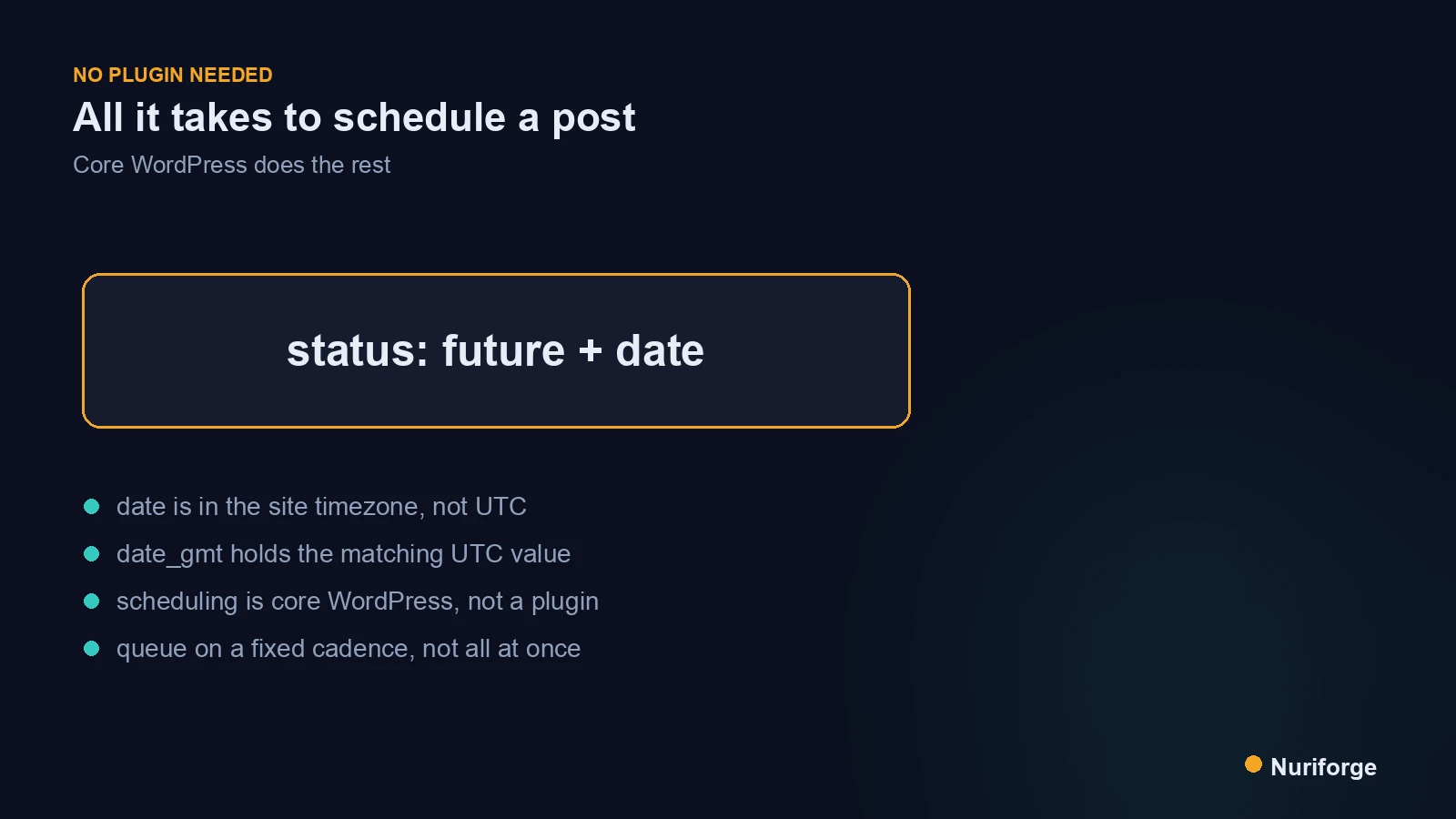
A scheduled post is just a draft with an appointment. In the REST payload, you send status set to future and a date in the future, and WordPress flips the post to publish on its own when that moment arrives. If you send a future date but leave the status at publish, WordPress is smart enough to schedule it anyway; if you send future with a date already in the past, it publishes immediately. The two fields work together, so I always set both explicitly rather than relying on one to imply the other.
The mechanism behind the scenes is WordPress’s own scheduler, wp-cron, which fires on site traffic and moves due posts from future to publish. That is worth knowing because on a low-traffic site a scheduled post can go live a few minutes late, when the next request finally triggers cron. It is rarely a problem for a content site, but it explains why “publish at 9:00” sometimes means 9:04. The Posts endpoint reference lists both fields and their accepted formats.
Getting the date and timezone right
The one thing that trips people up is time. WordPress stores two date fields: date, which is in the site’s local timezone, and date_gmt, which is in UTC. If you send a bare timestamp like 2026-08-01T09:00:00 to date, WordPress reads it in the site’s configured timezone. Send the same string thinking it is UTC and your post can land hours off from when you meant. I standardized on always writing date in the site’s local timezone and letting WordPress compute the GMT value, because that matches how the schedule reads in the dashboard.
My rule is to be explicit and consistent: pick one field, know its timezone, and never mix conventions between scripts. Before I trust a new scheduling script, I queue a single post a few minutes out and watch it flip to published at the right wall-clock time. That five-minute test catches a timezone mistake before it silently shifts a month of posts. It fits inside the wider system in the content pipeline I run, where every scheduled item is verified the same way.
Why no plugin is doing the work
Scheduling plugins mostly exist to give you a calendar UI and bulk controls inside wp-admin. The scheduling itself is core WordPress behavior, not something a plugin adds. Once you are posting through the API, that UI is redundant, because your script is the calendar. Removing the plugin removes a dependency, an update to track, and one more thing that can conflict with your workflow. For a solo operator who already automates publishing, the plugin is overhead with no payoff.
To schedule through the API you do need to authenticate as a user who can publish, typically with an application password, and the request has to include a valid nonce or auth header like any write. The authentication documentation covers the options. Beyond that, there is nothing exotic: create the post with status: future and a date, and it appears in the dashboard’s scheduled list exactly as if a human had set it there.
How I queue posts on a cadence
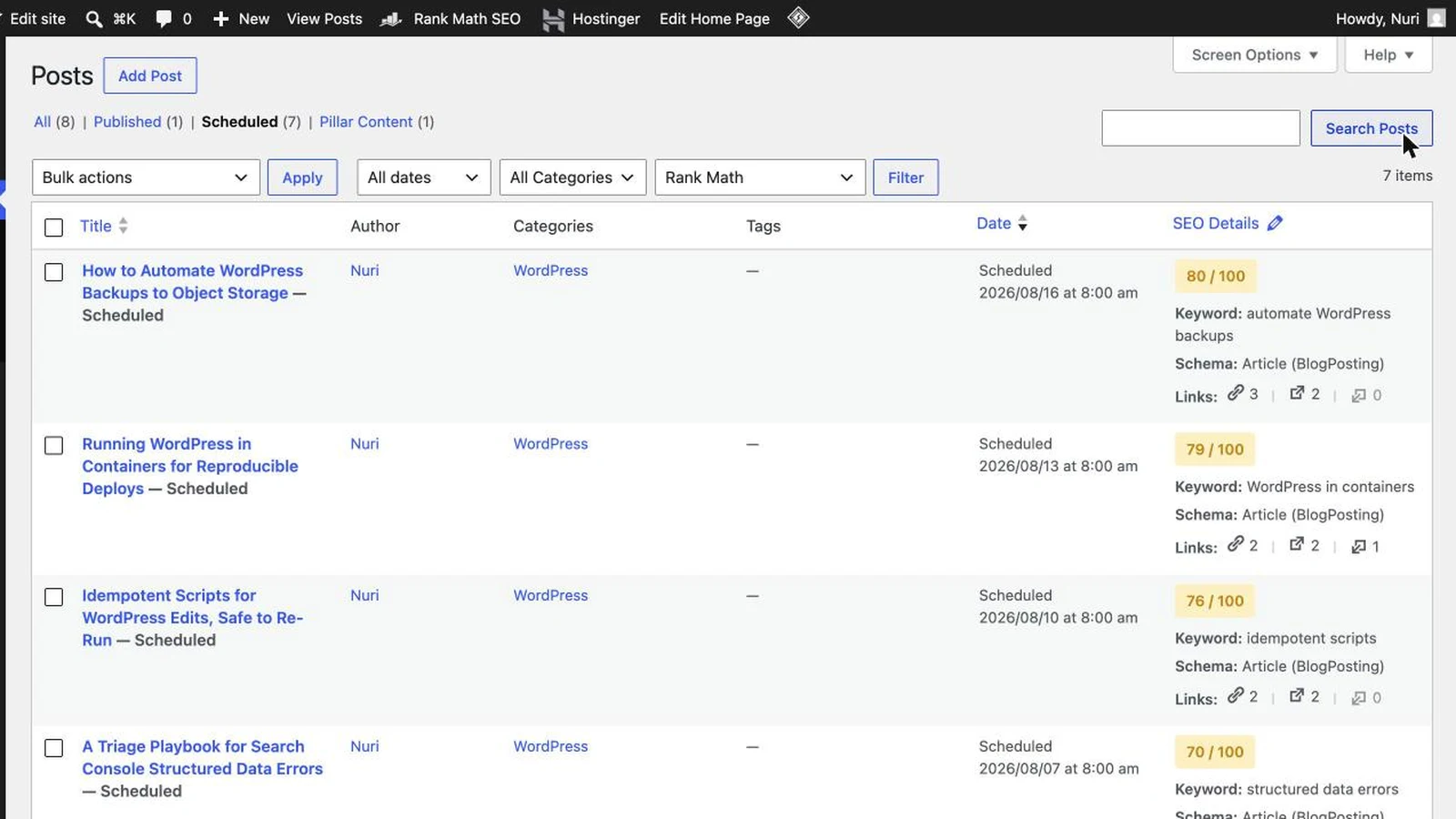
When I schedule WordPress posts in a batch, I do not hand every item the same time or a random one. I compute dates on a fixed cadence — say every third day at a set hour — and assign them in order, so the queue reads like a steady drip rather than a flood. The script holds a single “next slot” value, stamps a post with it, then advances the slot by the interval before the next post. That keeps spacing predictable and makes it trivial to see, at a glance, when the queue runs dry. If a queued item needs a correction later, I patch it in place with the same fetch-then-write flow I use to edit live WordPress posts safely via the REST API, rather than deleting and re-creating it.
The cadence is a decision, not a default, and it is where scheduling stops being a technical question and becomes an editorial one. How often you publish shapes how the site is crawled and indexed, which is the real reason I care about spacing at all. A tight, regular rhythm is easy to sustain and easy for search engines to anticipate. A lumpy one — nothing for a week, then ten posts in a day — is the pattern I actively design against. The other half of that decision is how far ahead the queue should reach, and my answer is a few weeks rather than a year — the reasoning is in Why I Don't Pre-Schedule Posts a Year in Advance.
Keeping the slot value in the script also makes gaps obvious. When I open the scheduler and the next slot is only two entries away, that is my signal to draft more, not a surprise a week later when the queue has quietly run dry. I would rather see the runway shrinking than discover the site went silent. A little visibility into “how many days of posts do I have left” turns publishing from a scramble into a routine, and it costs nothing more than printing the next few slots when the script runs.
Why I pace the queue instead of dumping it
I could queue a year of posts in an afternoon. I do not, because on a young site that backfires. Publishing faster than Google can digest tends to pile up “Discovered — currently not indexed” pages, and a large stack of unindexed content is a quality signal that can slow indexing for everything else. Pacing is not politeness toward the crawler; it is protecting the site’s own index coverage. Google’s own crawl-budget guidance explains why steady, predictable publishing reads better to a crawler than bursts.
The site-wide version of this decision, when the indexed-to-live ratio tells me to stop publishing altogether, is in Index Coverage Governance: When to Stop Publishing.
So my scheduling script is deliberately capped. I draft in batches when the ideas are flowing, but I only ever schedule a couple of live slots per week, and I confirm the earlier posts are getting indexed before I add more. The queue is a valve, not a firehose. Being able to schedule a hundred posts in one call is exactly why the restraint has to be built into the script instead of left to willpower at midnight.
| Approach | Publish now | status: future + date | Scheduling plugin |
|---|---|---|---|
| What sets the time | Immediate | Your two API fields | A calendar UI in wp-admin |
| Extra dependency | None | None | A plugin to install and update |
| Timezone control | N/A | Explicit in date / date_gmt | Hidden behind the UI |
| Fits an API workflow | Partly | Fully — the script is the calendar | Redundant with your script |
FAQ
How do I schedule a WordPress post through the REST API?
Send the post with status set to future and a date in the future, in the site’s timezone. WordPress flips the post to published automatically when that time arrives. If you send a future date but leave status as publish, WordPress schedules it anyway, and a past date with future status publishes immediately.
Do I need a plugin to schedule posts from the API?
No. Scheduling is core WordPress behavior, and plugins mainly add a calendar interface inside wp-admin. When you post through the API your script is the calendar, so the plugin is redundant. You only need to authenticate as a user who can publish, usually with an application password.
Why is my scheduled post publishing at the wrong time?
It is almost always a timezone mismatch. The date field is in the site’s local timezone and date_gmt is in UTC, so a bare timestamp sent as if it were UTC lands hours off. Pick one field, know its timezone, and test with a post scheduled a few minutes out before trusting a batch.
Why do scheduled posts sometimes go live a few minutes late?
WordPress uses wp-cron, which runs on site traffic rather than a real system clock. On a low-traffic site the due post waits until the next request triggers cron, so a nine o’clock post might publish at 9:04. It is normal and rarely matters for a content site.
Should I schedule a large batch of posts at once?
No. Publishing faster than Google can index tends to pile up unindexed pages, which is a quality signal that can slow indexing across the site. Draft in batches if you like, but schedule only a couple of live slots a week and confirm earlier posts are indexed before adding more.
My Thoughts
What I like about API scheduling is how little there is to it. Two fields, one timezone to respect, and the platform’s own scheduler doing the rest. The interesting part was never the code — it was learning that the constraint should live in the script, not in my good intentions. The afternoon I realized I could queue a year in one call was the same afternoon I decided never to. A schedule is a promise about rhythm, and rhythm is the whole reason to schedule in the first place. Set the two fields, respect the clock, and let the cadence, not your enthusiasm, decide how much goes out.