What does your pipeline do on the night it succeeds at nothing? When a pipeline fails silently, that is what costs me — not the scripts that crash: the job that exits zero, the webhook that ran twice, the credential that authenticated and then had nowhere to write. After twenty years of running infrastructure, the loud failures are the ones I have stopped worrying about.
This is the hub for a series on those failures. Each one below is a real incident from a system I built or operate, reduced to the pattern that caused it and the guard that now stops it. The spokes go deep on each; this page is the map.
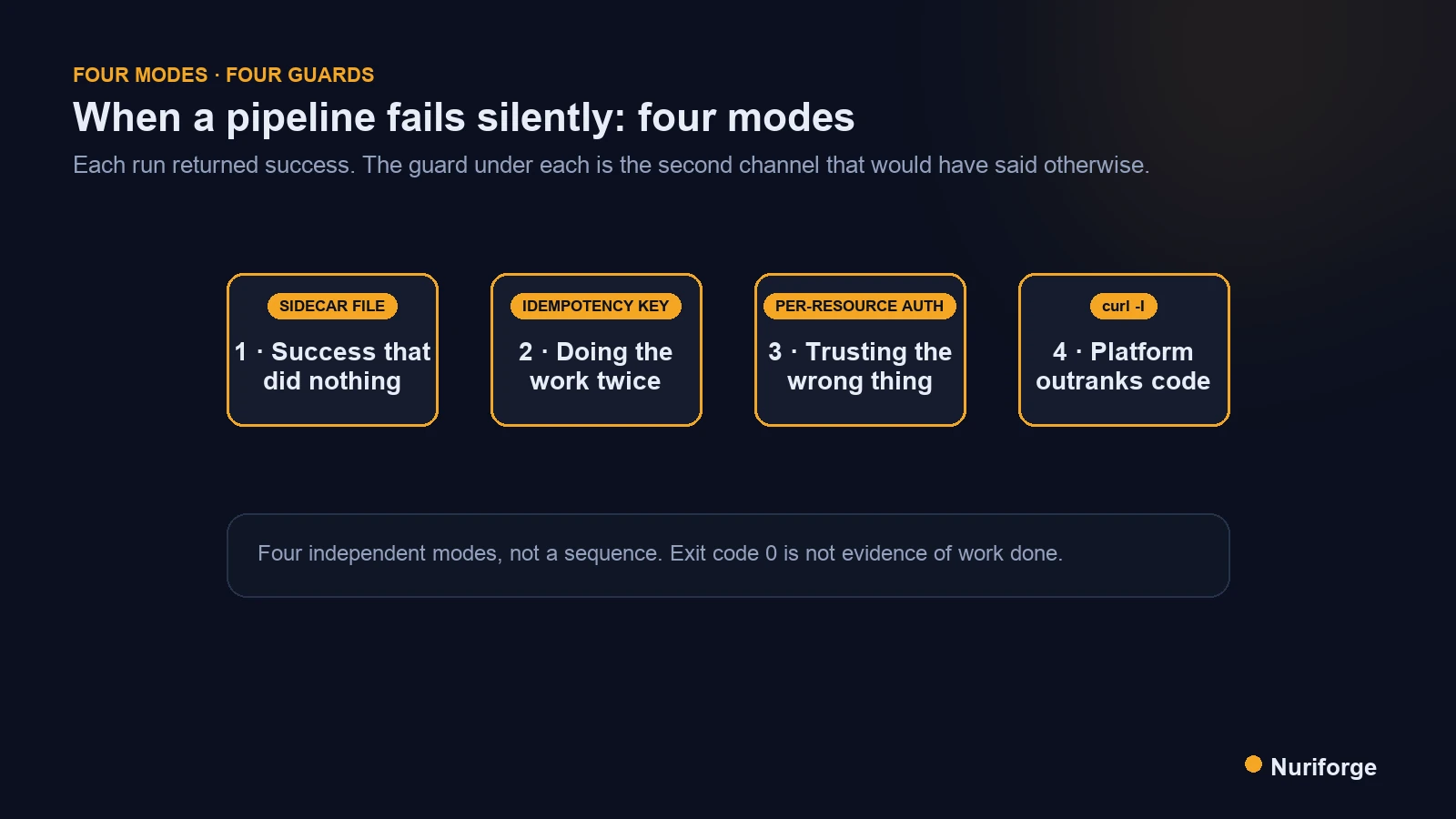
When a pipeline fails silently, it costs more than a crash
A loud failure pages someone. A silent one accrues. That asymmetry is the whole reason I keep this guide, because every incident in it was discovered late, by a human asking a question the system should have asked itself.
Here’s the pattern I see across everything I’ve automated, from Kubernetes deploy checks at work to the small Slack bots and content pipelines I run for myself. The code that handles the happy path is tested. The code that handles a crash is at least thought about. The gap is the third state: the run that completes, returns success, and achieves none of its purpose. Nothing in a standard CI or cron setup distinguishes that from a good run, and the longer it stays undetected, the more expensive the cleanup.
I’m not going to pretend I designed my way around this up front. I found each mode by getting bitten, and the guard in each section is the thing I wish had already been there. I still keep a person at the approval step of these systems, and I wrote about that separately in why I keep a human in the loop on an AI pipeline. The modes below are what that human is there to catch.
Mode 1: success that did nothing
The job exits zero and the output is empty. This is the purest silent failure, and I have a precise one to show you.
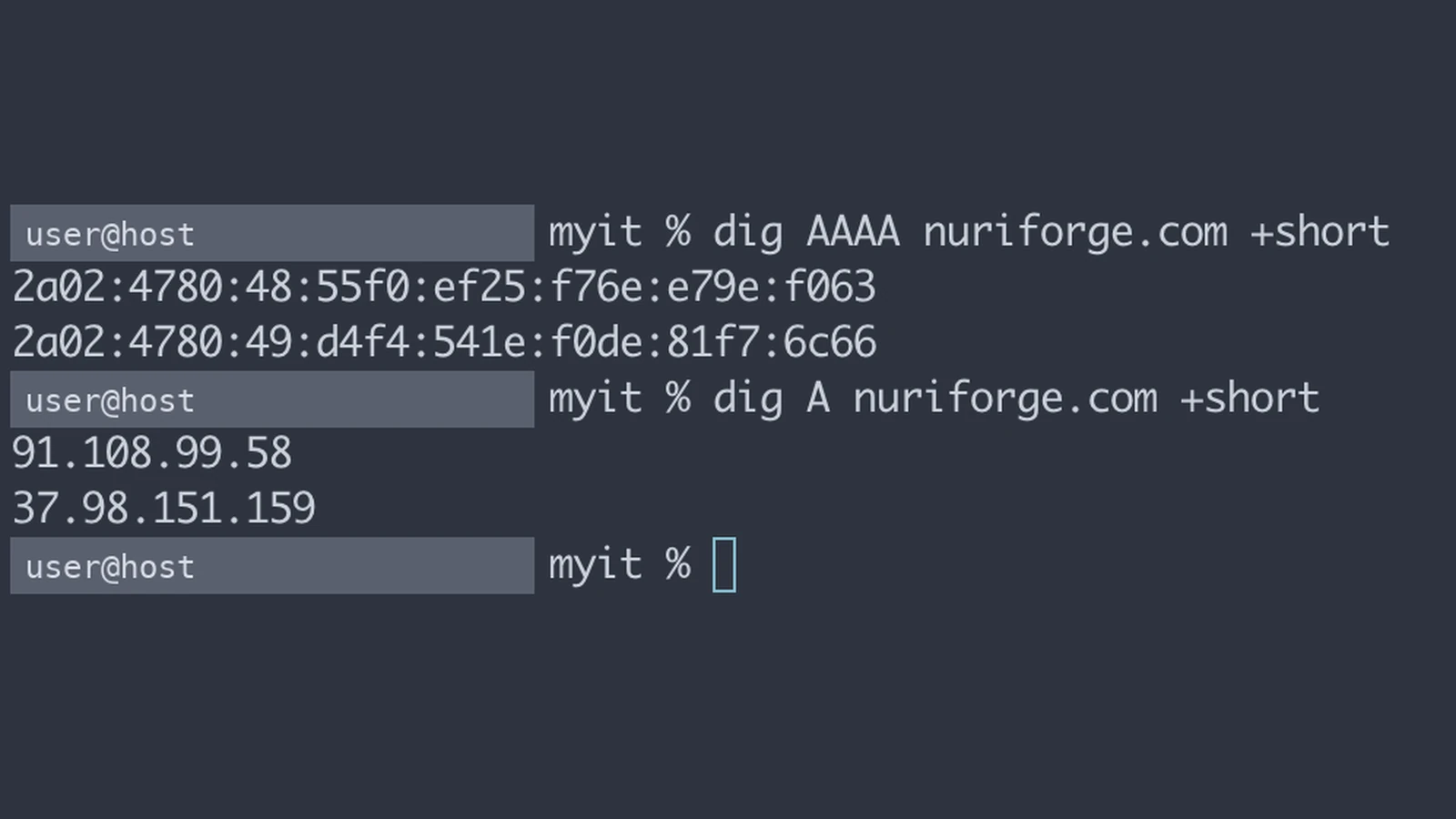
I run an SEO operations pipeline on GitHub Actions. It crawls my own sites, pulls Search Console data, and proposes changes. One morning it crawled 120 pages and every single request died with “Network is unreachable”, each one burning the full 15-second timeout. That’s half an hour of nothing, and the run reported success. The cause was not my code. GitHub’s hosted runners have no IPv6 route, and two of my sites publish AAAA records. Python hands the HTTP client whatever getaddrinfo returns first, with no Happy Eyeballs fallback. A different runner forty minutes earlier had happened to resolve IPv4 first and crawled the same site cleanly. That is what made it look intermittent instead of obvious.
The fix for the network was a twelve-line monkeypatch that prefers IPv4. The fix that mattered was elsewhere. An exit code cannot carry “I ran, but I got nothing”. I had also chosen, deliberately, not to fail the job when one site was unreachable, because failing hard would discard that day’s Search Console data. So the job stays green and the truth goes into a sidecar. It’s a small health.json that records what the crawl actually managed, with broken and degraded lists, plus an always-run step that reads the file and alerts on it. A pipeline that fails silently in this way needs a second channel, because the first one is structurally unable to express them.
# The shape of the sidecar. Exit code says "ran"; this says "managed".
{
  "ok": false,
  "sites": [
    {"site": "example-a", "pages": 120, "failures": 120, "error": null},
    {"site": "example-b", "pages": 20,  "failures": 0,   "error": null}
  ]
}
Spoke posts in this mode: the IPv6 runner incident in full, and the sidecar pattern. There’s also a second case, where a writer step died for a week and a quiet Slack channel looked identical to a week with nothing to do. GitHub Runners Have No IPv6 Route (Coming soon) · Exit Codes Can’t Say “Green but Empty” (Coming soon) · “No Card” Is Ambiguous (Coming soon)
Mode 2: doing the work twice
Retries are a feature until the work has side effects. Then every retry is a potential duplicate, and duplicates are quiet: nobody alerts on a second row in a sheet.
The system that taught me this is a document intake pipeline I run for a small personal portfolio. A photo of a bill arrives in Slack, a vision model extracts the fields, the file lands in Drive and a row lands in a sheet. Slack retries events it thinks were not acknowledged. People re-upload the same photo. Vercel can run two instances that share no memory. Any one of those produces a second copy of the work unless something says “already done”.
What I ended up with is three layers, not one. A key derived from the Slack event itself. A hash of the document content. And a per-stage lookup that asks Drive whether this record’s file already exists before creating it. The part worth stealing is where the completion mark goes. Every guide tells you to record the event ID first and then do the work. I record it last, after the sheet write and the Slack confirmation. A failure halfway through must leave the event retryable. Marking first turns a transient Sheets outage into a permanently lost document, and that loss is silent. For the WordPress side of my life the same principle shows up as edit scripts that are safe to re-run; the domain changes, the rule doesn’t.
The honest limitation: my idempotency store is an append-only audit log in a sheet plus an in-memory cache per instance. Two fast retries on two cold instances can both miss the cache. The code is written to swap in Redis or Postgres; I haven’t needed to yet, and I’d rather say so than imply exactly-once. Spokes: Duplicate Slack Event Processing: Three Layers That Stop It (Coming soon) · An Append-Only Sheet as the Idempotency Store (Coming soon) · Long-Running Slack Tasks Without a Queue (Coming soon)
Mode 3: trusting the wrong thing
Authentication succeeded, so the code carried on. The thing it authenticated was not the thing that mattered.
Same intake pipeline, earlier in its life. I used a Google service account for everything, because that’s the obvious choice for a server-side job. Sheets writes worked. Drive uploads returned 403 storageQuotaExceeded. The service account had authenticated perfectly; it simply has no storage quota of its own, so it cannot own a file in a consumer My Drive. Google’s error-handling docs do say this, if you already know to look. What the docs don’t give you is the operating decision. I kept the service account for Sheets, where writes consume no storage. Only Drive moved to user OAuth, so the user owns the file and the user’s quota pays for it. Per-resource auth, not a single winner.
The same mode hides in Slack request verification. A valid signature, checked the way Slack’s docs describe, proves one thing: Slack sent the request. It proves nothing about whether the person who pressed the button is allowed to approve anything. That is a separate allowlist check, and if you skip it the failure is silent: every press looks legitimate because, cryptographically, it is.
And the cheapest version of this mode: a client demo app I built once fell back to a hardcoded session secret when the environment variable was missing. Nothing crashed. Sessions were signed, verified, and forgeable by anyone who had read the repository. The intake pipeline does the opposite, validating its environment up front and returning 401 when the secret is absent, and I now consider that the only acceptable default. Spokes: Service Account Storage Quota Exceeded: What I Used Instead (Coming soon) · Slack Signature Verification: the Replay Window and the timingSafeEqual Trap (Coming soon)
Mode 4: the platform outranks your code
Your code is correct, deployed, and never executed, because a layer above it answered first.
My studio site runs on Vercel with a middleware that returns a permanent 308 from www to the apex domain. On the live domain, Vercel’s own domain-level redirect fires before middleware and returns a temporary 307. No code change can override it; the fix lives in a dashboard setting. Search Console kept reporting the redirect as temporary for weeks while I stared at a middleware that was, line by line, right. The diagnostic is five seconds: curl -sI https://www.example.com/ and look for a Server: Vercel redirect with no framework headers. If the framework never touched the response, the framework can’t fix it.
The same mode shows up lower in the stack. A PDF generator I maintain embedded a Korean font that ships only as OTF with CFF outlines. The font parser failed with an error about topDict, and it surfaced inside drawText, far from the code that loaded the font. The guard there was to force-parse the font immediately after embedding so the failure lands where the error handler can name it. And serverless filesystems are read-only in production but writable in development. A CSV “database” that saves fine locally silently drops every write once deployed. Three different layers, one lesson: what’s on disk is not what’s live, and the platform gets a vote you didn’t count.
Spokes: Platform 307 Beats Middleware 308 (Coming soon) · fontkit Chokes on CFF/OTF (Coming soon) · Read-Only Serverless Filesystem: Three Workarounds (Coming soon)
Judgement is a failure surface too
The last failure isn’t in the code path; it’s in how automation treats the humans it asks.
The SEO pipeline proposes page changes and asks me to approve or reject them in Slack. On the second of August I rejected a proposal as low quality at 00:46:45. At 00:46:59 the identical five pages arrived on a new card. Rejecting had released the pages and recorded nothing. Only one rejection reason carried a mute, so nothing stopped the next run from picking exactly the same pages. My own design notes had said since day one that a rejected proposal is never raised again. It wasn’t true, and a system that re-asks immediately doesn’t collect judgements, it wears them down.
The fix was scoped carefully. A rejection now blocks the same rule under the same engine version. It still releases the pages for a different rule, because I rejected a diagnosis, not the page. It also releases them for a later engine version, where asking again is honest rather than nagging. I treat this as a silent failure like the others. Every approval still worked and every card still rendered. The thing being quietly destroyed was my willingness to keep answering. Spoke: A Rejection That Lasted Fourteen Seconds (Coming soon)
The four modes side by side
This is the table I actually check against when I add a new automation. The useful column is the second one: what “green” looks like while the mode is happening.
| Mode | What “green” looks like | Real incident | Guard | Where it lives |
|---|---|---|---|---|
| Success that did nothing | Exit 0, empty output, no alert | 120 pages of “Network is unreachable” reported as success | Machine-readable health sidecar + always-run alert step | Pipeline, after the job |
| Doing the work twice | Two correct rows, two correct files | Slack retries and re-uploads of the same bill | Three idempotency layers, completion marked last | Handler, before and after the work |
| Trusting the wrong thing | Auth succeeds, signature verifies | Service account 403 on Drive; fallback session secret | Per-resource auth; allowlist after signature; fail on missing secret | Config and auth boundary |
| Platform outranks code | Correct code, deployed, never reached | Vercel 307 ahead of middleware 308; read-only filesystem | Probe the live edge with curl; force errors to surface early | Outside the repo |
The guards I now build by default
None of these is clever. They’re the minimum I add before I let a new automation run unattended, and each one exists because its absence cost me a specific incident above.
- A second channel for “managed”, not just “ran”. If the job can legitimately succeed with partial results, write a sidecar the pipeline reads after the job. Exit codes are one bit.
- Alert on absence. A daily job that sends nothing when healthy is fine, but a weekly card that fails to appear must look different from a week with nothing to do. Both states need an explicit message.
- An idempotency key before side effects, a completion mark after them. The order is the design. Marking first converts transient failures into silent data loss.
- Auth per resource, authorization after authentication. Ask what each credential can actually own or write, and keep the allowlist check separate from the signature check.
- No silent fallbacks for secrets. A missing secret is a startup error, never a default string.
- Probe the live edge, not the repo. One
curl -sIagainst the real hostname tells you which layer answered. Do it before reading the middleware. - Make lazy errors eager. If a library parses on first use, force that use right after load, inside the handler that can name the failure.
- Respect a human’s no. If automation asks for judgement, a rejection must change what it asks next, and the scope of that change should be written down.
The list will grow. The rule for adding to it is the same as for this guide: a real incident, a real guard, no hypotheticals.
FAQ
What does it mean when a pipeline fails silently?
A run that completes and reports success while failing to achieve its purpose: an empty result, a duplicated side effect, a credential that authenticated but could not do the job, or code that was never reached because a platform layer answered first. The defining property is that nothing alerts, so discovery depends on a person noticing.
Why doesn’t a non-zero exit code catch these?
Because the process often did run correctly by its own definition. A crawler that received 120 connection errors handled each one as designed. Exit codes carry one bit, “ran or crashed”, and the states that matter here sit between those two. You need a second channel that records what was managed, not whether the process terminated cleanly.
Isn’t a retry queue enough to prevent duplicate work?
No. A queue controls when work runs; idempotency controls whether running it again changes anything. You need a key derived from the event or the content, checked before side effects, and a completion mark written after the last side effect. Marking completion first is the common mistake, and it turns a transient failure into a silently lost item.
How do I tell whether a redirect or header comes from my code or from the hosting platform?
Request the live hostname with curl -sI and read the response headers. A redirect served with only the platform’s server header and none of your framework’s headers was produced before your code ran. Fix it in the platform’s settings; no amount of middleware will override it.
Does keeping a human in the loop solve silent failures?
It catches some, and it introduces one of its own: automation that re-asks a question the human already answered wears their judgement down until they stop answering carefully. A rejection has to change what the system asks next, and the scope of that change should be deliberate and documented.
My Thoughts
Every incident in this guide was cheap to fix and expensive to find. That ratio is what I’d ask you to carry away. The twelve-line IPv4 patch took an afternoon. Noticing that half an hour of nothing had been reported as success took a week, and only because I happened to look. The fourteen-second re-ask was a one-line change to which rejection reasons carry a mute. The cost was every careless approval I’d made before I understood why the cards felt relentless.
I run these systems alone, for myself, with no on-call rotation behind me. That’s exactly why I’ve become conservative about unattended automation. My rule now is simple: I don’t trust a check that has never failed. Before a new job is allowed to run on its own, I break it on purpose and confirm that the breakage reaches me. If it doesn’t, the job isn’t finished, however green it looks.
The spokes linked throughout will fill in as I publish them, each with the code and the terminal output behind the incident. If you’ve caught a silent failure of a shape that isn’t here, I’d like to hear about it; the taxonomy is four modes today because that’s how many I’ve paid for.