Most WordPress security guides hand you a list of plugins to install and call it a day. The checklist I use to harden self-hosted WordPress is shorter, older, and mostly not about WordPress at all — it’s about least privilege, credentials, and the boring server layers an attacker actually walks through. After twenty years around production systems, I’ve watched far more sites fall to a reused password or a world-writable file than to some exotic WordPress exploit. So this is the list I actually run, in the order that matters, with the reasoning for each step instead of a pile of security plugins.
Why the generic hardening list fails
The typical “secure WordPress” article optimizes for what’s easy to write, not what actually gets sites breached. It leads with plugins because plugins are a screenshot; it rarely mentions file ownership, database privileges, or credential hygiene because those are unglamorous and hard to demo. The result is a checklist that feels productive and leaves the real doors open.
When I harden self-hosted WordPress, I start from how compromises actually happen: stolen or reused credentials, an over-privileged account, a writable file that shouldn’t be, and an admin surface exposed to the whole internet. Fix those and you’ve closed the paths most automated attacks take. A security plugin sitting on top of an unpatched, over-privileged install is a lock on a door with no wall around it.
The OWASP Top Ten has said the same thing for years in application-agnostic terms: broken access control and identification failures dominate. WordPress isn’t special here. It’s a PHP application on a server, and the server discipline matters at least as much as anything inside wp-admin.
Least privilege and credentials come first
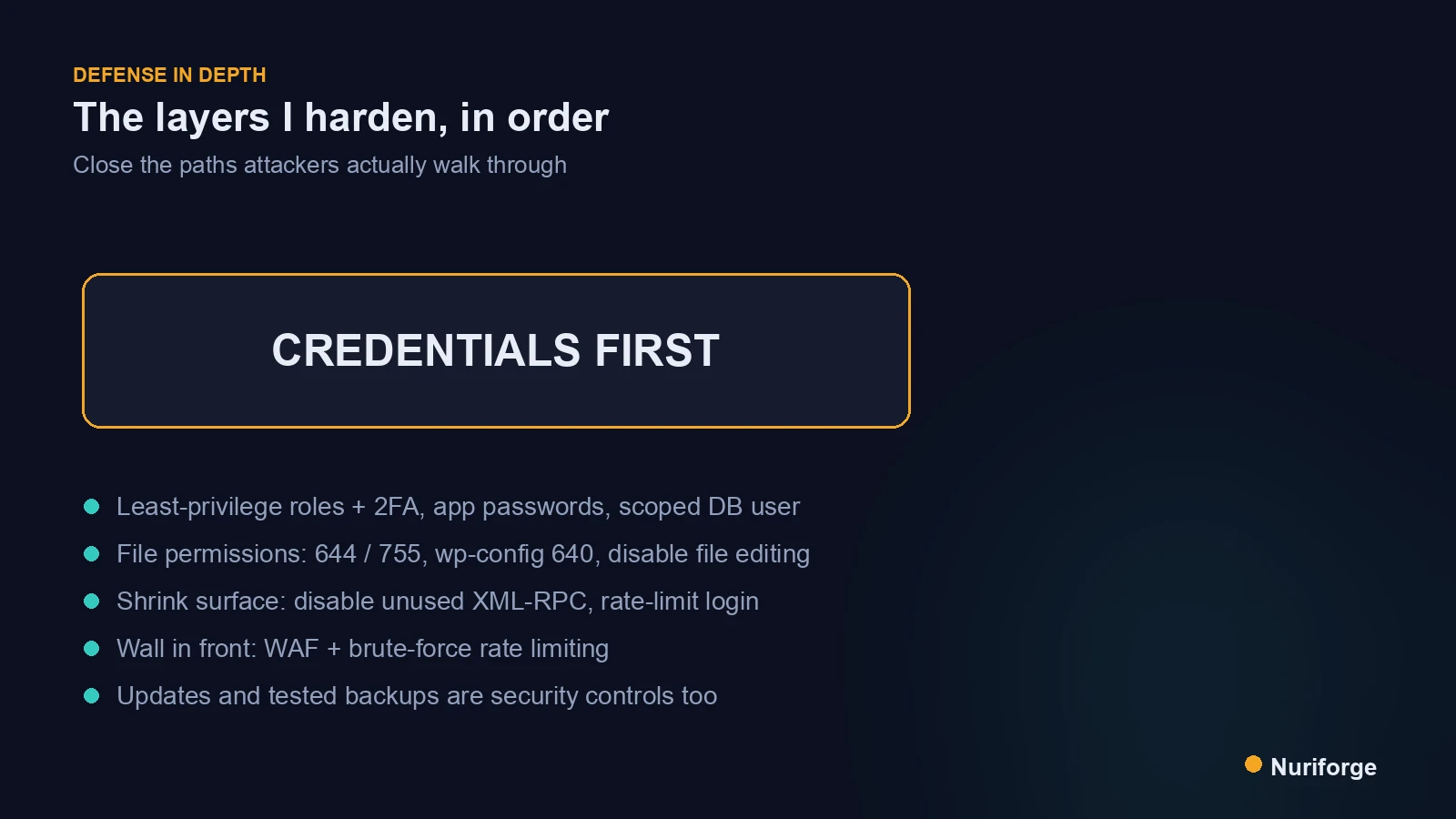
Every account and every process should have the least privilege it needs, and nothing more. On the WordPress side that means: no shared admin logins, remove accounts that aren’t used, and give each person the lowest role that lets them do their job. An editor doesn’t need administrator. A retired contributor doesn’t need an account at all.
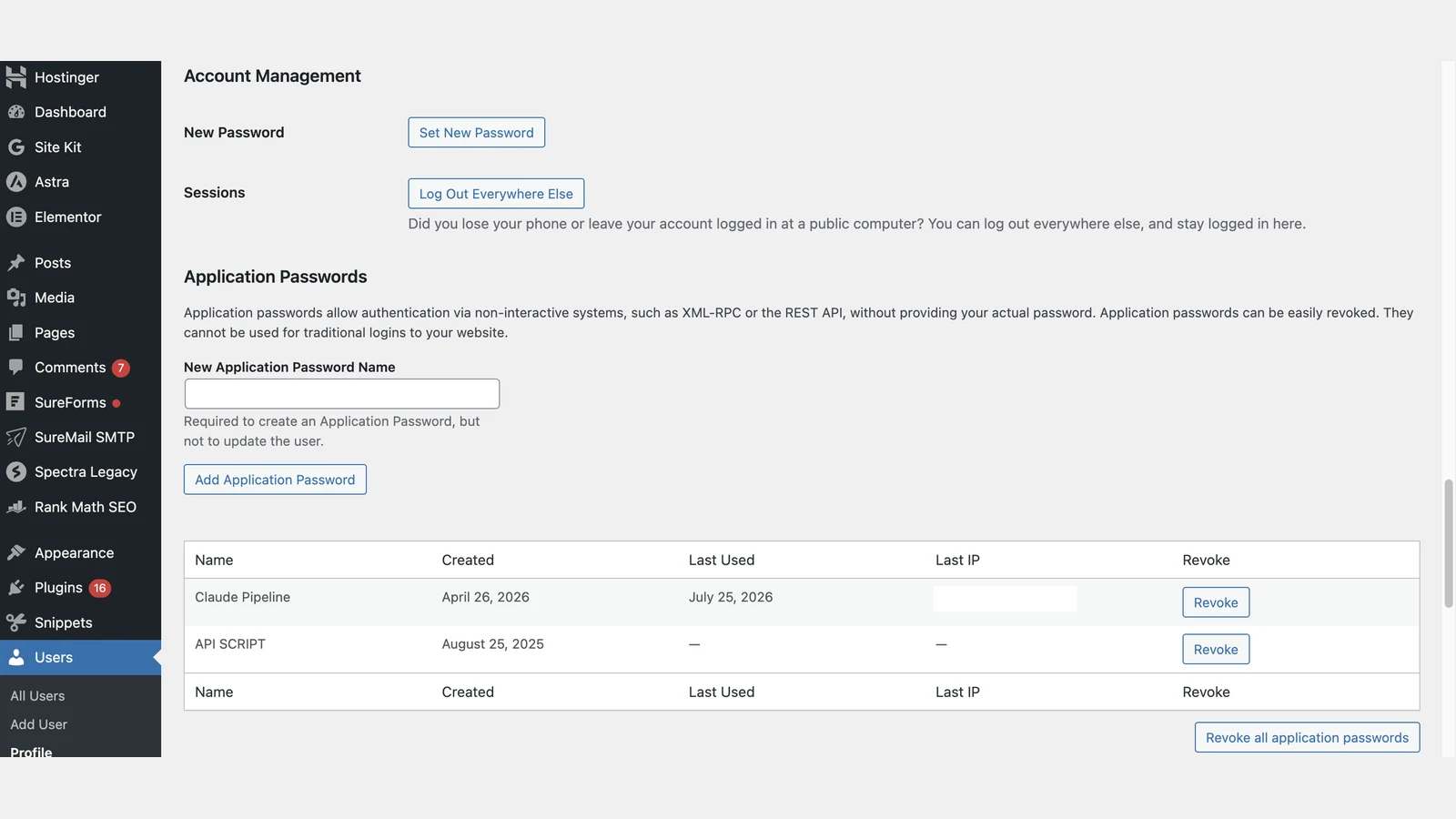
Credentials are the next layer. Enforce strong, unique passwords, put two-factor on every administrator, and for anything programmatic use application passwords rather than your real login, so a leaked token can be revoked without changing your password or touching your other integrations. I treat the main admin password as something that should never be typed into an automation at all.
The privilege rule extends beneath WordPress, too. The database user in wp-config.php needs read and write on one database — not GRANT ALL across the server, and definitely not the root account. If WordPress is ever compromised, a tightly scoped database user is the difference between losing one site and losing everything the database server hosts. Scoping that user is five minutes of work and one of the highest-leverage things on this list.
Lock down the files WordPress ships with
File permissions are the control I see skipped most, and they’re the one an infra background makes reflexive. Directories should generally be 755 and files 644, with wp-config.php tightened further to 640 or 600 so it isn’t world-readable. WordPress files should be owned by a user separate from the one the web server runs as, so a compromised web process can’t rewrite your code. World-writable anything is a finding, not a convenience.
Two config flags close common paths cheaply. Set DISALLOW_FILE_EDIT to disable the built-in theme and plugin editor, so an attacker who steals an admin session still can’t edit PHP from the browser. And keep the uploads directory from executing PHP at all — if someone slips a script into your media library, the server should refuse to run it. These are the kinds of changes that never show up in a plugin’s marketing but quietly remove whole categories of attack.
Shrink the attack surface you expose
You can only be attacked through what you expose. WordPress ships with entry points that most self-hosted sites don’t fully use — XML-RPC and the parts of the REST API that enumerate users are the usual suspects. If you don’t need XML-RPC, disable it; it’s a favorite for brute-force amplification and pingback abuse. If you do need it for a specific integration, restrict it rather than leaving it wide open.
The admin login itself is attack surface. Rate-limit and, where you can, IP-restrict access to wp-login.php and wp-admin, because an admin panel reachable by the entire internet will be probed constantly. This is where running your own infrastructure is an advantage: I can put login behind network controls that a shared host would never give me. The principle throughout is the same one that shapes the rest of my stack, including the content pipeline I run — expose only what has to be exposed, and know exactly what that is.
Put a wall in front: WAF and rate limiting
Everything above hardens the application; a web application firewall hardens the perimeter. A WAF sits in front of WordPress and drops obviously malicious requests — injection attempts, known-bad patterns, floods — before they reach PHP. It’s not a substitute for the earlier layers, but it buys time against the constant background noise and against a vulnerability you haven’t patched yet.
The page cache usually sits in the same spot as the WAF, and it deserves its own explanation, which I give in WordPress Caching Explained by Someone Who Runs Infra.
Pair it with rate limiting on authentication. A tool that watches for repeated failed logins and temporarily bans the source shuts down brute-force attempts without you touching anything. The goal isn’t to be unbreakable; it’s to be expensive enough that automated attacks move on to easier targets, which is most of what’s actually knocking. Defense in depth means an attacker has to beat several independent layers, not one clever plugin.
Updates and backups are security controls
An unpatched plugin is the single most common way a maintained WordPress site gets popped, so updates are a security control, not housekeeping. I let minor core updates apply automatically and keep a tight schedule for plugin and theme updates, weighed against the risk of a bad release — which is exactly why the next control exists. The official WordPress hardening guide is worth reading in full alongside this, because keeping software current is the recommendation it returns to most.
Backups are the control that makes every other one survivable. Hardening lowers the odds of compromise; a tested backup determines whether a compromise is an afternoon or a catastrophe. The word that matters is tested — a backup you’ve never restored is a guess. I’ll go deep on automating and verifying those in How to Automate WordPress Backups to Object Storage. For hardening, the point is simply that security without a recovery plan is only half a plan.
Generic advice versus the checklist I run
The gap isn’t that the generic advice is wrong — it’s that it stops at the visible layer. Here’s the same controls, side by side, as the typical listicle frames them versus what I actually do when I harden self-hosted WordPress.
| Layer | Generic advice | What I actually run |
|---|---|---|
| Accounts | Use a strong password | Least-privilege roles, 2FA on admins, remove unused accounts |
| Automation | (not mentioned) | Application passwords, never the real admin login |
| Database | (not mentioned) | Scoped DB user, never GRANT ALL or root |
| Files | Install a security plugin | 644/755 perms, wp-config 640, disable file editing |
| Surface | (not mentioned) | Disable unused XML-RPC, rate-limit login |
| Recovery | “Back up your site” | Automated, encrypted, restore-tested backups |
FAQ
Do I need a security plugin to harden self-hosted WordPress?
A plugin can help with rate limiting, two-factor, and a firewall, but it doesn’t replace the fundamentals. Least-privilege accounts, correct file permissions, a scoped database user, and current software matter more, and a plugin can’t fix any of them for you. Treat plugins as one layer on top of a properly configured install, not the whole strategy.
What file permissions should WordPress use?
As a baseline, directories at 755 and files at 644, with wp-config.php tightened to 640 or 600 so it isn’t world-readable. WordPress files should be owned by a user separate from the one the web server runs as, so a compromised web process can’t rewrite your code. Nothing in a WordPress install should be world-writable.
Should I disable XML-RPC and the REST API?
Disable XML-RPC if you don’t use it, since it’s commonly abused for brute-force amplification and pingback attacks. Don’t blanket-disable the REST API, because WordPress itself relies on it, but do restrict endpoints that enumerate usernames. The principle is to expose only what you actually use.
Are application passwords safer than my normal login?
Yes, for anything programmatic. An application password is a separate credential you can revoke independently, so a leaked automation token doesn’t expose your real login or your other integrations. You should never put your main admin password into a script or a third-party service.
How much does a WAF actually help?
A web application firewall filters malicious requests before they reach PHP and buys you time against unpatched vulnerabilities and brute-force noise. It’s valuable as one layer of defense in depth, but it doesn’t fix over-privileged accounts, bad file permissions, or out-of-date software underneath it. Use it alongside the fundamentals, not instead of them.
My Thoughts
The thing I’d want a newer operator to take from this is that hardening isn’t a product you buy; it’s a set of small, unglamorous decisions about who can do what, and which doors you leave open. None of the steps here are hard. They’re just easy to skip, because the payoff is invisible until the day it isn’t. I still run this same list, top to bottom, on anything I stand up, because the boring layers are exactly the ones the automated attacks are counting on you to ignore. Harden the fundamentals and the plugins become what they should have been all along: a bonus, not the plan.