
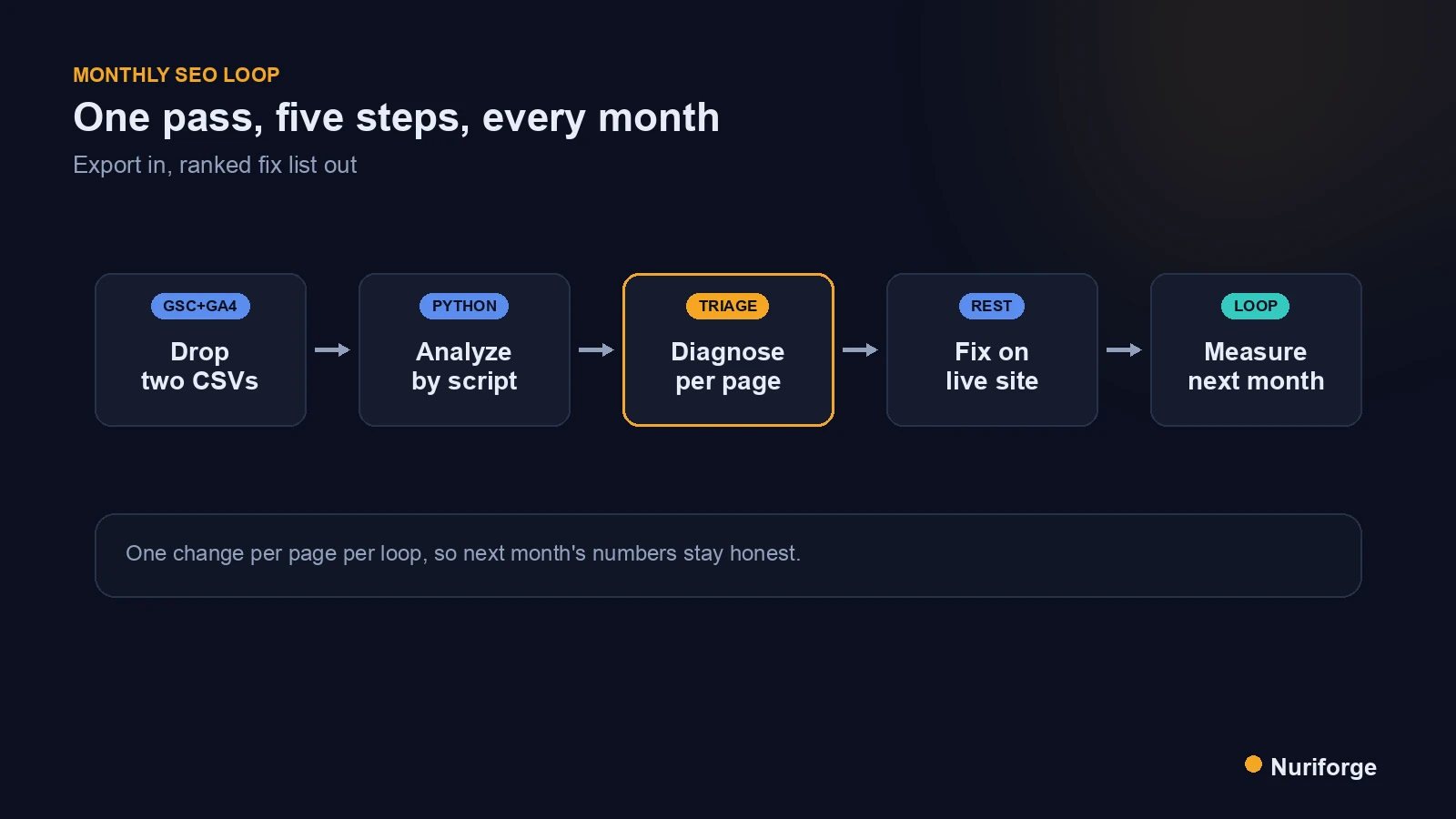
Once a month I drop two CSV exports into a folder and let a script do the reading. That small ritual is my monthly SEO loop, and it exists because I got tired of staring at dashboards and guessing. One export comes from Search Console, one from analytics, and a short Python pass turns both into a ranked list of pages that need a specific fix. No vibes, no scrolling — just “these five pages, this problem, this week.” Here is exactly what the loop reads, how it decides what is worth touching, and how I close it by editing the live site and measuring again.
What the monthly SEO loop actually is
The loop is deliberately boring: export, analyze, diagnose, fix, measure. I run it on a Korea-travel affiliate site I run, and the point of making it a loop rather than a one-off audit is that each pass starts from the last one. A page I flagged last month gets checked again this month, so I can see whether the edit actually moved anything or whether I was fooling myself. That feedback is the whole reason it works.
It is not a growth-hacking routine and it does not chase new keywords. It is maintenance. Most of a content site’s value sits in pages that already rank somewhere between position five and fifteen, and small, specific fixes to those pages return far more than another brand-new article that no one has found yet. The loop keeps my attention on the pages where a change is likely to matter, and it takes me maybe an hour a month instead of an afternoon of clicking through reports.
The two exports that feed it
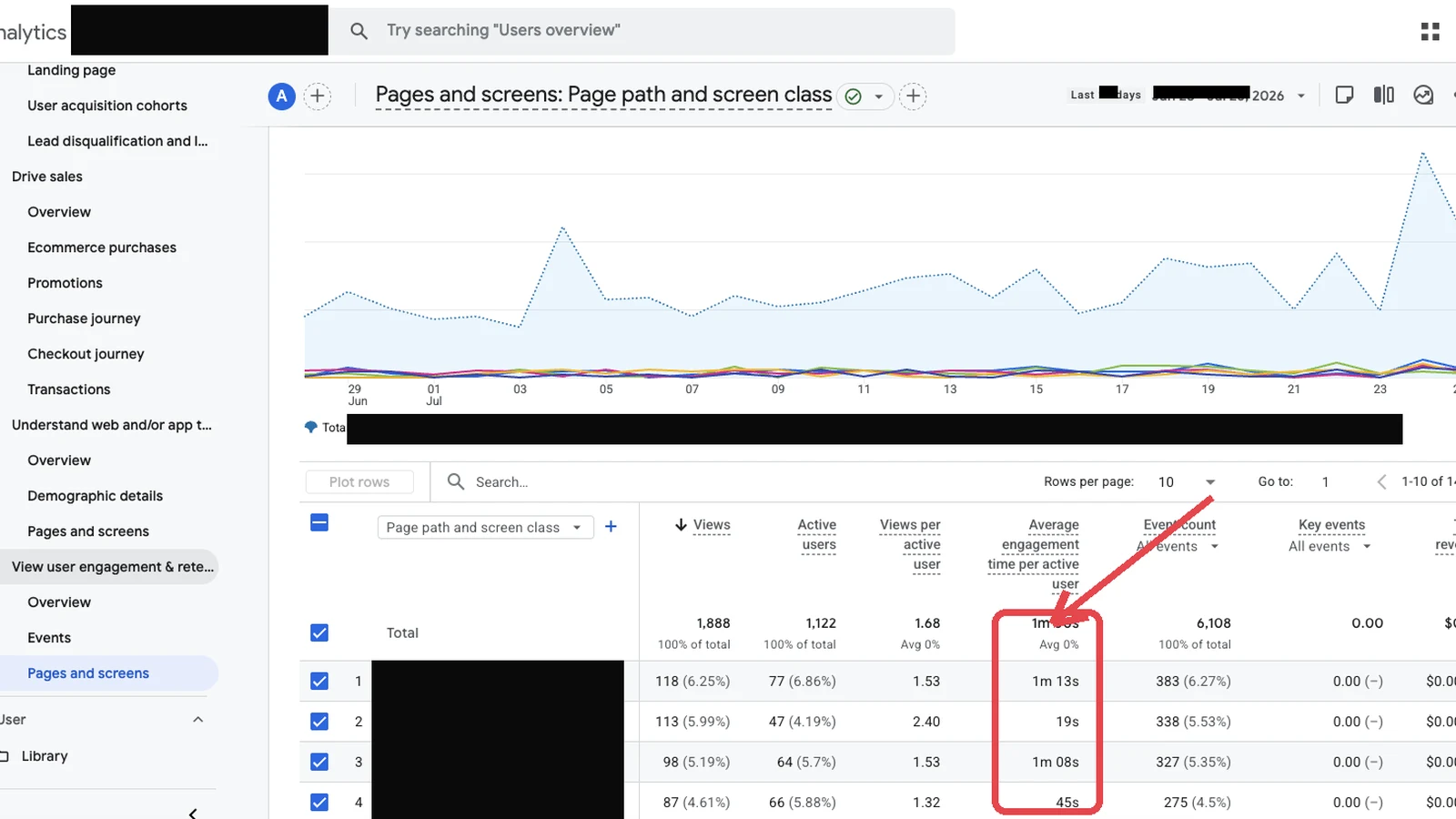
Two files feed the whole thing. The first is the Search Console performance export, filtered to the last few months, with queries, pages, impressions, clicks, and average position. The second is an analytics export with per-page engagement: views, engaged sessions, average engagement time, and returning-user share. Search Console tells me how a page behaves in search; analytics tells me what happens after someone lands. Neither is enough alone, and the interesting problems live in the gap between them.
I pull both as plain CSV because plain CSV is portable and honest — no API quota, no auth dance, nothing to break at midnight. The official Search Console documentation covers what each column means and how the performance report is sampled, which matters because you can misread a metric badly if you forget that Search Console groups by property and date range. I keep the raw exports around too, so a bad month can be compared against a good one rather than judged in isolation.
What the script reads so I don’t have to
The script’s job is to surface three patterns I would otherwise miss by eye. The first is a title or snippet problem: a page with healthy impressions but a click-through rate well below its position’s norm. High rank plus low clicks usually means the title or description is not earning the click, which is one of the cheapest things on the whole site to fix. The second is two of my own URLs showing up for the same query, which is the fingerprint of cannibalization and a sign I split one topic across two thin posts.
The third pattern is a dwell problem: a page that ranks and gets clicks but shows weak engagement time and few returning readers. That is a content or structure issue, not a search issue, and no amount of link-building fixes it. The script does not decide anything — it just ranks pages by how far each metric sits from what I would expect, and hands me a shortlist. The judgment about what is actually wrong stays with me, which is exactly where it belongs in the content pipeline I run.
Turning signals into a short fix list
A ranked shortlist is useless without a rule for what counts as done. So each flagged page gets one of three actions, and only one. If it is a title or snippet problem, I rewrite the title and meta description to match the query intent and stop there for the month. If it is cannibalization, I pick the stronger URL, fold the weaker one into it, and redirect. If it is a dwell problem, I improve the page itself: a clearer opening answer, better structure, a real example instead of filler.
The discipline is refusing to do all three at once on the same page. If I rewrite the title, merge a duplicate, and rebuild the body in one go, next month’s numbers cannot tell me which change did the work. One change per page per loop keeps the experiment clean. I cap the list at roughly five pages a month, because a fix I never ship is worth nothing, and a list of forty items is a list I will quietly abandon by the second week.
Fixing on the live site, then measuring again
The fixes land on the live site, not on a local copy, and that distinction has bitten me before. The version on my disk is not the version being served — the live post may carry edits, blocks, or schema that my local file never had. So I read the live post through the WordPress REST API, back it up, make the one surgical edit, push it, and confirm the change actually saved by reading it back. A REST update can return a success code and still not persist what you meant, so verifying is not optional.
Then I do nothing for a month, which is the hardest part. Search reacts slowly, and poking a page every few days just adds noise. When the next exports come in, the same pages I touched are the first ones the script re-checks. If clicks rose on the title I rewrote, that pattern retires and I move on. If nothing moved, the page comes back onto the list with a different hypothesis. The loop is honest with me precisely because it makes me wait and then look.
The headline metrics I actually watch
I do not track everything the exports contain. Four numbers carry most of the signal, and I keep them relative rather than absolute so a good month is judged against my own baseline, not some industry benchmark. Mobile click-through rate matters more than desktop, because desktop impressions are increasingly inflated by search features that quote a page without sending a click. Views per user tells me whether readers explore or bounce. Returning-visitor share is my slow trust signal. And index coverage caps the whole thing, because a page that is not indexed contributes exactly zero.
| Export / source | What it answers | Signal I extract | Action it triggers |
|---|---|---|---|
| Search Console performance | How a page behaves in search | High impressions, low CTR | Rewrite title and meta description |
| Search Console (by query) | Which URLs answer a query | Two of my URLs, one query | Consolidate and redirect the weaker |
| Analytics engagement | What happens after the click | Low engagement time, few returns | Improve the page body and structure |
| Index coverage report | What is actually eligible | Indexed vs not-indexed ratio | Pause new posts, strengthen links |
Kept relative and reviewed monthly, those four numbers tell me whether the site is compounding or leaking, without pretending a single month is a verdict. The loop’s value is not any one metric — it is that the same script asks the same questions every month, so I notice drift early instead of discovering it in a quarterly panic.
FAQ
How often should I run a monthly SEO loop?
Monthly is the sweet spot for a small content site. Search data moves slowly, so weekly reviews mostly show noise, and quarterly reviews let problems compound for too long. A month is long enough for an edit to show a real effect and short enough to catch drift before it becomes a trend.
Do I need a script, or can I do this by hand?
You can start entirely by hand in a spreadsheet — sort by impressions, look for low CTR, look for duplicate URLs on one query. A script just removes the tedium and the risk of skipping a step when you are tired. The judgment about what to fix stays human either way.
Why compare Search Console and analytics together?
Search Console tells you how a page performs in search results; analytics tells you what readers do after they arrive. A page can rank well and still lose people the moment they land. The interesting fixes live in the gap between the two, which is why the loop reads both.
Should I fix several things on a page at once?
No. Change one thing per page per loop — the title, or the consolidation, or the body. If you change everything at once, next month’s numbers can’t tell you which change actually worked, and you lose the whole benefit of running a loop.
What if a page I fixed didn’t improve?
It comes back onto next month’s list with a different hypothesis. Not every edit works, and that is fine. The loop is designed to surface the page again rather than let a failed fix quietly sit there looking finished.
My Thoughts
What changed for me was not the script — it was giving up the idea that I could hold a whole site’s health in my head. I used to open Search Console with a vague worry and close it an hour later no wiser, because a dashboard shows you everything and therefore nothing. Reducing the month to “these five pages, this specific problem” made the work finite, and finite work actually gets done. The loop is slow, unglamorous, and it has done more for my traffic than any clever tactic I have tried. I would rather fix five real pages a month than admire a red-and-green dashboard I never act on.