My local files said one thing; the live site linked another. I had a folder of clean HTML on my machine and assumed it was the truth, so the first internal link map I built from those files was quietly wrong — it missed links that existed only on the live site and invented paths that had already changed. On a Korea-travel affiliate site I run, that gap let orphaned pages hide in plain sight. This is why the map has to be built from what is actually published and scheduled, how I pull that data, and how I turn it into a graph that finds the pages nothing links to.
The trap: a link map built from disk
An internal link map is just a picture of which of your pages link to which. I built my first one from the HTML files sitting in my project folder, because that was convenient and those files were, in theory, the same thing I had published. They were not. Some live posts carried links I had added later through the editor and never synced back to disk. Some disk files still pointed at old slugs that had since changed. The map I drew was of a site that did not exist.
The damage from a wrong map is subtle. It tells you a page is well linked when nothing on the live site actually points to it, so you stop worrying about a page that is quietly orphaned. Or it shows a link that 301-redirects on the live site, counting a hop as a healthy connection. You end up making decisions — what to link, what to strengthen, what is safe to leave alone — based on a diagram of the wrong website.
Why disk is not the source of truth
The core mistake is treating a local file as the live page. On a real WordPress site, the stored content is the source of truth, and it drifts from your disk copy the moment anyone edits in the admin, a block gets rearranged, or a slug changes. Your local file is a snapshot from whenever you last wrote it; the live post is whatever exists right now. For link mapping, that difference is decisive, because links are exactly the kind of thing that gets added, moved, and rewritten after the initial publish.
There is a second reason disk lies, and it is the one that caught me: scheduled posts. A post queued for future publication has stored content full of internal links, but it has no file on my disk if I drafted it directly, and it has no public page a crawler can reach. So any map built from either local files or a front-end crawl is blind to a whole class of links — the ones inside scheduled posts, and the down-links a hub page adds to children that are not live yet. The only place all of it exists is the stored content, which is why I read from there.
Fetching published and scheduled content
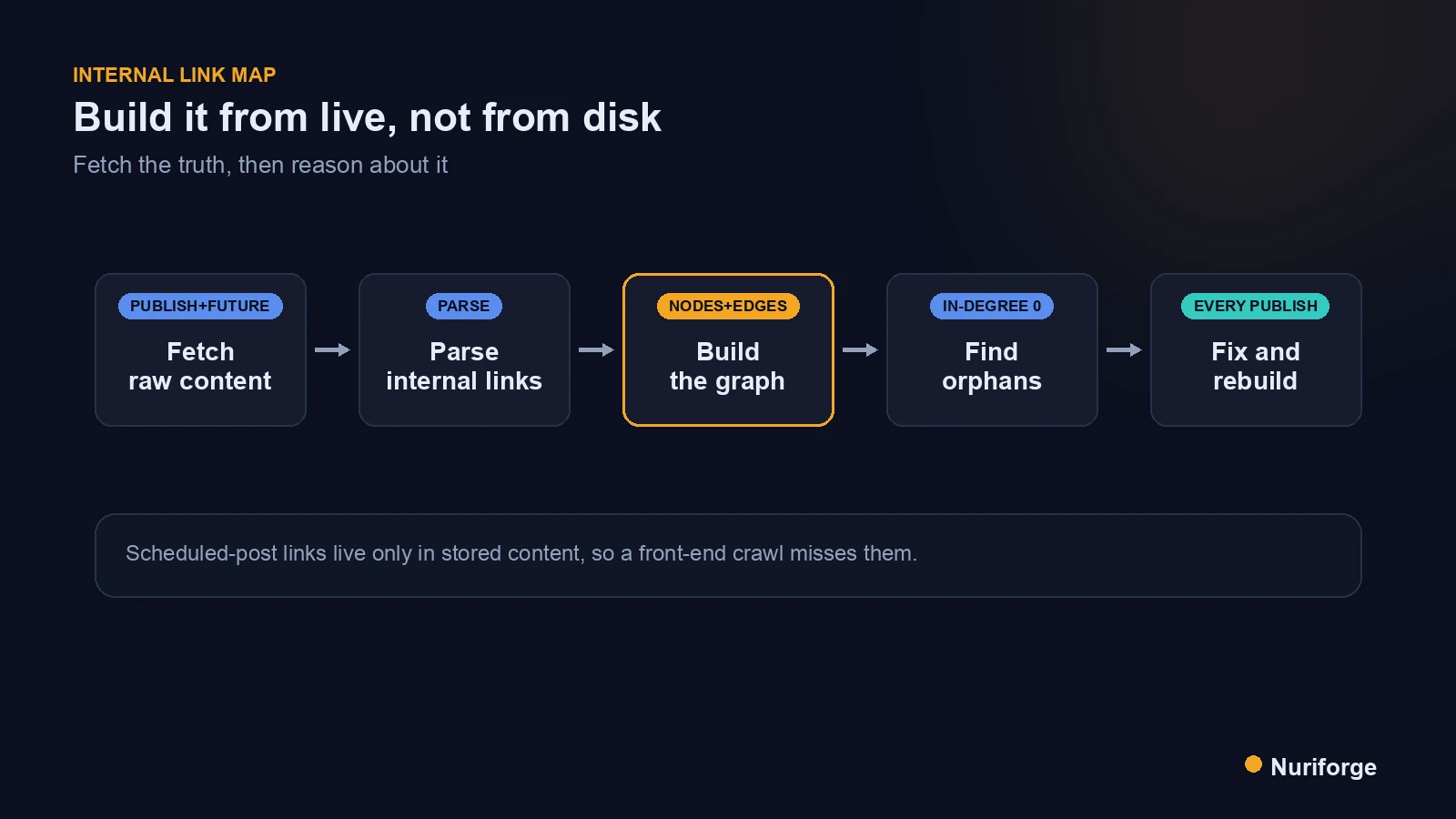
The fix is to pull the raw stored content for both published and scheduled posts and map from that. I query the WordPress REST API for posts with a status of publish and future together, requesting the raw content field rather than the rendered one, so I get exactly what is saved, redirects and future posts included. That single query returns the true, current set of pages and the actual link markup inside each, which is the raw material the map is built from.
Reading raw rather than rendered matters for the same reason it matters when I edit live posts: the rendered version can differ from what is stored, and I want to reason about the source. Pulling publish and future in one pass is the part most tooling skips, and it is precisely the part that exposes the scheduled-post links a front-end crawl can never see. This is the same live-first discipline I rely on throughout the content pipeline I run: fetch the truth, then reason about it.
Building the internal link map as a graph
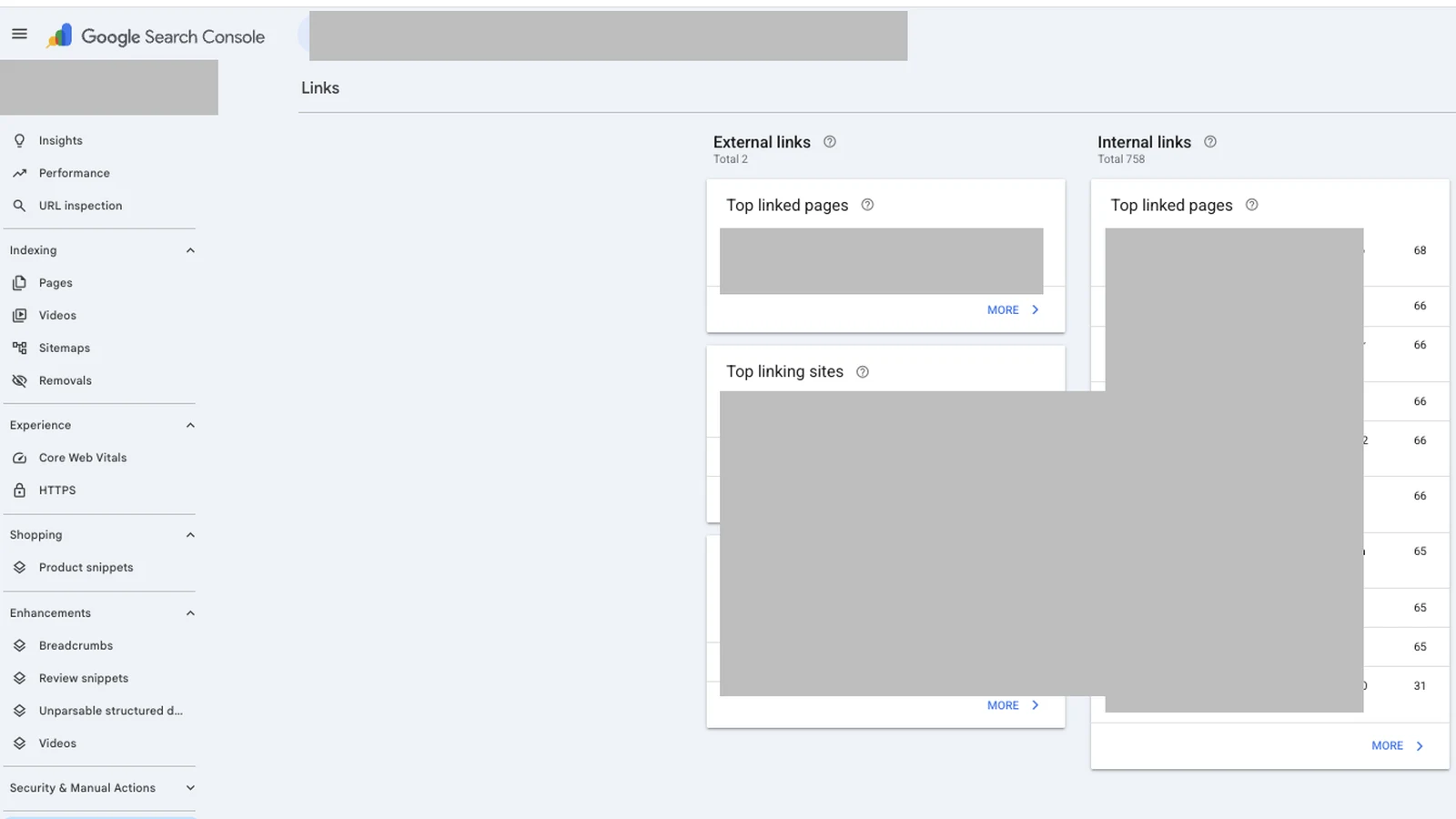
With the raw content in hand, the map becomes a directed graph. Each post is a node, and every internal link inside a post’s content is an edge pointing from that post to its target. I parse the anchor tags out of each raw body, keep only the links that point at my own domain, and normalize them — stripping fragments, resolving to the final slug — so that two ways of writing the same link collapse into one edge. The result is a clean node-and-edge model of how the site actually connects.
Once it is a graph, the questions I care about become trivial to answer. In-degree — how many posts link to a given page — tells me whether a page is well supported or neglected. Out-degree tells me whether a post is pulling its weight by linking onward. And because the graph was built from live publish-and-future content, its answers describe the real site, not a hopeful local copy. The map stops being decoration and becomes something I can query.
Finding orphans and dead ends
The single most valuable query is: which nodes have an in-degree of zero? Those are orphans — pages nothing else links to — and they are almost invisible without a graph, because they look perfectly fine when you open them directly. An orphaned page is hard for crawlers to reach and hard for readers to discover, so it tends to sit unindexed and unloved; Google’s guidance on crawlable links is explicit that a page a crawler can’t reach through links is a page it may never index. Listing every zero-in-degree node turns “I hope everything is linked” into a concrete to-do list of pages that need an inbound link.
The same graph exposes the opposite problem too, two posts competing for one query, which I work through in Keyword Cannibalization: When Two Posts Fight One Query (Coming soon).
The graph surfaces other problems just as cleanly. Links whose target is not a node in the graph are pointing at something that moved or 404s. Links that resolve to a redirect are hops I should rewrite to the final URL. Clusters with no connection to the rest of the site are little islands that need a bridge. Each of these is a specific fix, and each one existed on the live site the whole time, hidden until the map made it visible.
Rebuilding the map on every publish
A link map is only true for the moment it was built, so I regenerate it after every publish and every schedule change. Publishing a new post adds a node and, ideally, new edges; scheduling one adds links that will matter the instant it goes live. If I let the map go stale, orphans and 301 hops creep back in exactly the way they did the first time. So rebuilding is not a special event — it is a step at the end of publishing, as routine as hitting save.
| Question | Map built from disk | Map built from live |
|---|---|---|
| Links added later in the editor | Missed entirely | Captured from stored content |
| Links inside scheduled posts | Invisible (no file, no live page) | Included via publish,future query |
| Links to changed slugs | Shown as healthy | Flagged as redirect or dead |
| Orphaned pages | Can look well linked | Detected as zero in-degree |
Kept current, the map turns internal linking from a vague good intention into something measurable. I no longer wonder whether a new page is connected; I rebuild the graph, check its in-degree, and add links where the number says I must.
FAQ
What is an internal link map?
It is a model of which pages on your site link to which, usually represented as a directed graph where each page is a node and each internal link is an edge. It lets you see how your content connects and, crucially, which pages nothing links to.
Why build the link map from live content instead of my local files?
Because your local files drift from the live site the moment anyone edits in the admin or a slug changes, and they don’t include scheduled posts at all. A map built from disk describes a site that may no longer exist, so it can hide real orphans and count broken links as healthy.
How do I include scheduled posts in the map?
Query the WordPress REST API for posts with a status of publish and future together, and read the raw content field. Scheduled posts have stored links but no public page, so a front-end crawl misses them entirely. Only the stored content includes them.
How does a link map help me find orphaned pages?
Once the map is a graph, an orphan is any node with an in-degree of zero, meaning no other page links to it. Those pages look fine when opened directly but are hard for crawlers and readers to find, so listing every zero-in-degree node gives you an exact fix list.
How often should I rebuild the internal link map?
After every publish and every schedule change. A map is only accurate for the moment it was built, so treat regenerating it as the last step of publishing. Otherwise orphans and redirect hops quietly creep back in.
My Thoughts
What I keep relearning on this site is that convenience is where the bugs hide. Building the map from disk was easy, and easy is exactly why it was wrong — I reached for the copy on my machine instead of the truth on the server, and the map inherited every difference between them. Reading from live is a little more work each time, and it has saved me from shipping decisions based on a fictional site more than once. Now the rule is boring and absolute: if a question is about the live site, get the answer from the live site.